
Just updated to Foreman/Katello 3.16/4.18 and seen the default jobs UI has changed to the new one. After I run a job I am used to be able to create a report by clicking the “Create report” button. In this new UI this button is always greyed out. If I switch to the Legacy UI, the button is clickable. Am I missing something in the new UI to be able to create a report for a job?
Can someone please check if I am the only one with this issue? Seems there is no way to revert to the old UI for the jobs by default either.
What permissions does the user you’re using have?
My user is “Administrator”.
I don’t have a 3.16 box at the moment, but I would expect that to work. What version of rubygem-foreman_remote_execution do you have? 16.2.3?
rubygem-foreman_remote_execution-16.2.3-1.fm3_16.el9.noarch
For now it works to go back to the legacy UI to get the report, but I figured there should be more people running 3.16 that can check if the report button is working or not.
I am running Foreman 3.16, with rubygem-foreman_remote_execution-16.2.3-1.fm3_16.el9.noarch and for me the button is not greyed out. Indeed I can generate a report using it.
The only other “anomaly” I see in the new job UI is “SSH user: Not available”.
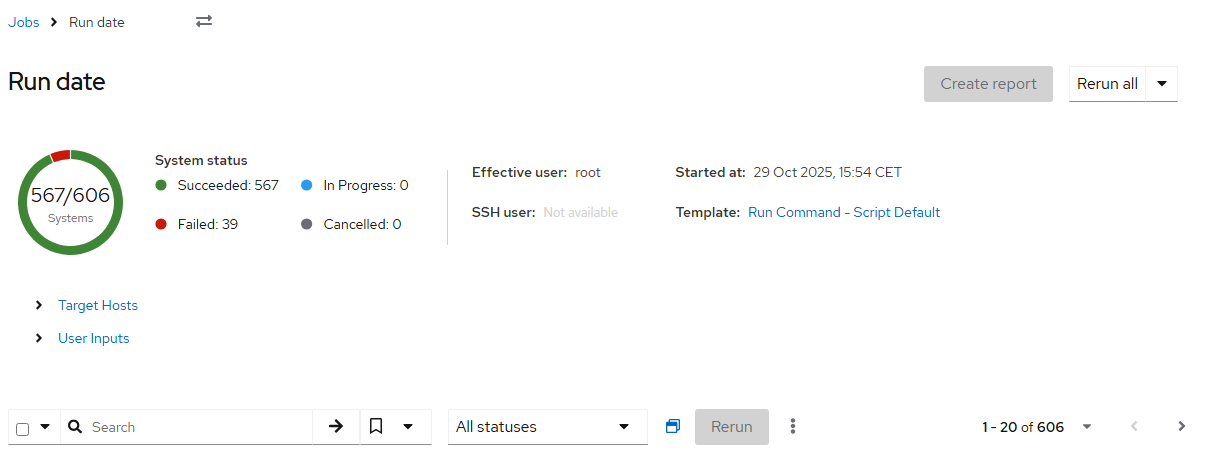
Other then that I have not found anyway to get the button working (also tried a few different web browser + clearing the cache
I also have SSH user: Not available. I am guessing that just means I don’t have a special SSH user configured. Almost certainly unrelated to the “Create report” button being greyed out. Here is how it looks for me:
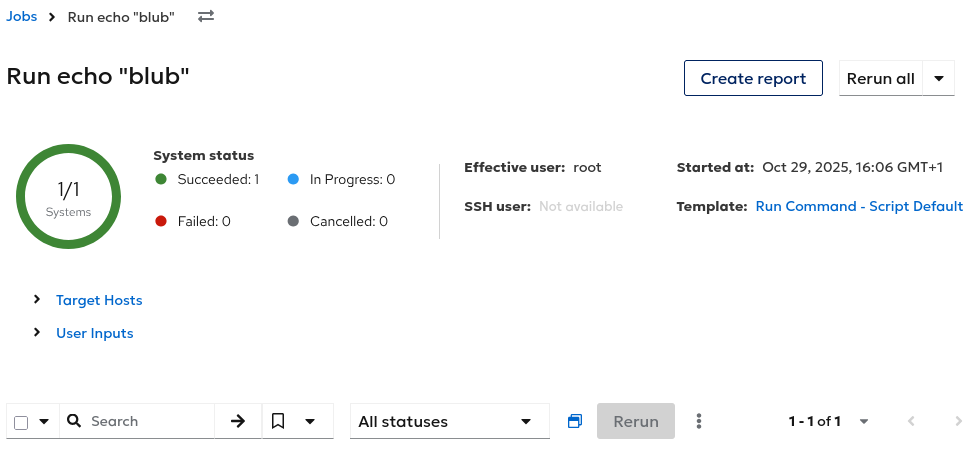
Can add that I also have tested to log in as admin (an account we never use normally) but same issue so feels like it is not a user access issue. What page does that button take you anyway? I can see that legacy UI takes me to:
https://foreman.xxx.internal/templates/report_templates/144-Job%20-%20Invocation%20Report/generate?report_template_report[input_values][31][value]=3793
Where the last 3793 is the job id.
It takes me to /templates/report_templates/167/generate?report_template_report[input_values][34][value]=1. Looks like this:
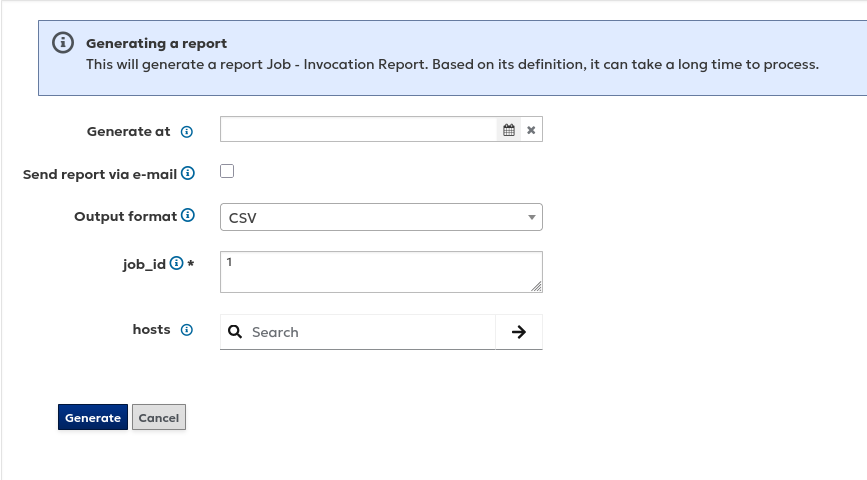
hmm, just guessing here, but I that number “167”, should that go to a template I guess. Since mine come up as 144 I can see:
# hammer report-template list --search id=144
----|------------------------
ID  | NAME
----|------------------------
144 | Job - Invocation Report
----|------------------------
# hammer report-template list | grep Job
144 | Job - Invocation Report
But I guess perhaps the button actually goes to the same page no matter if you use the new or old UI. So you have number 167 just means you have more report templates them me.