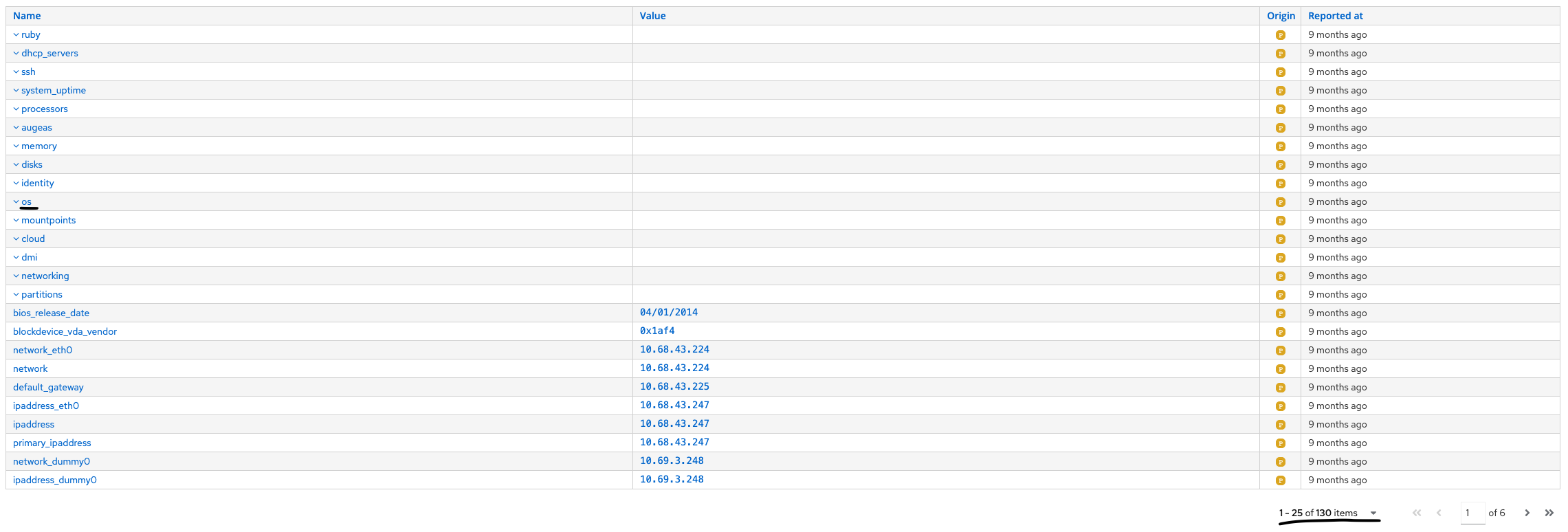
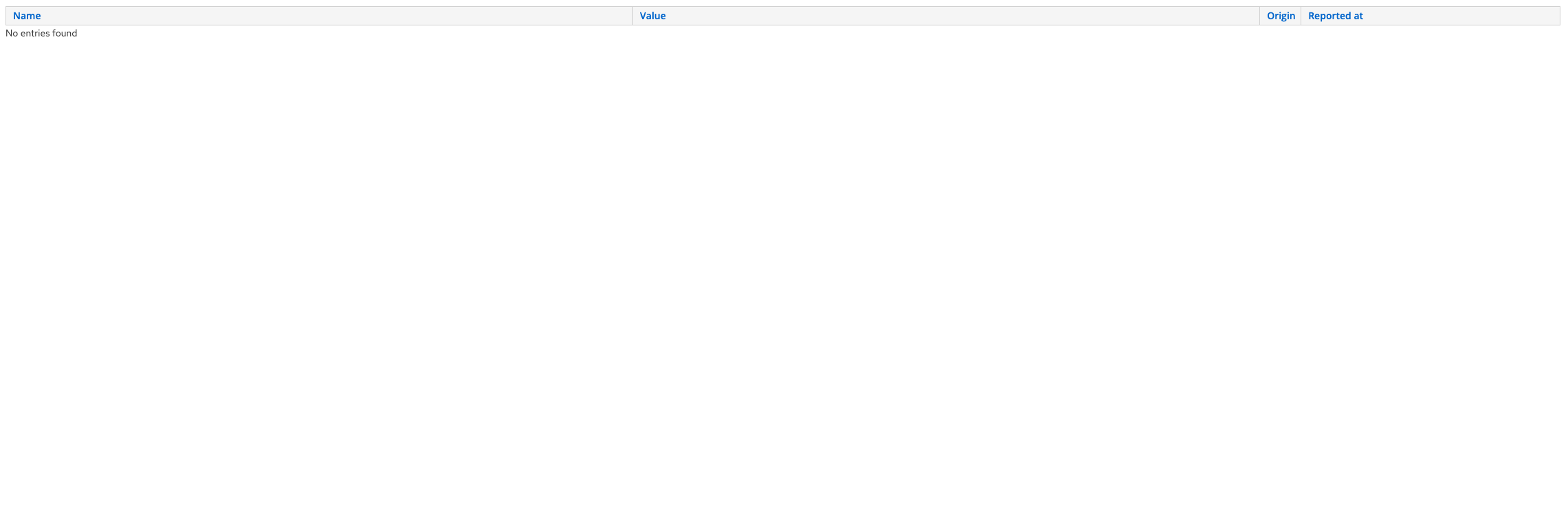
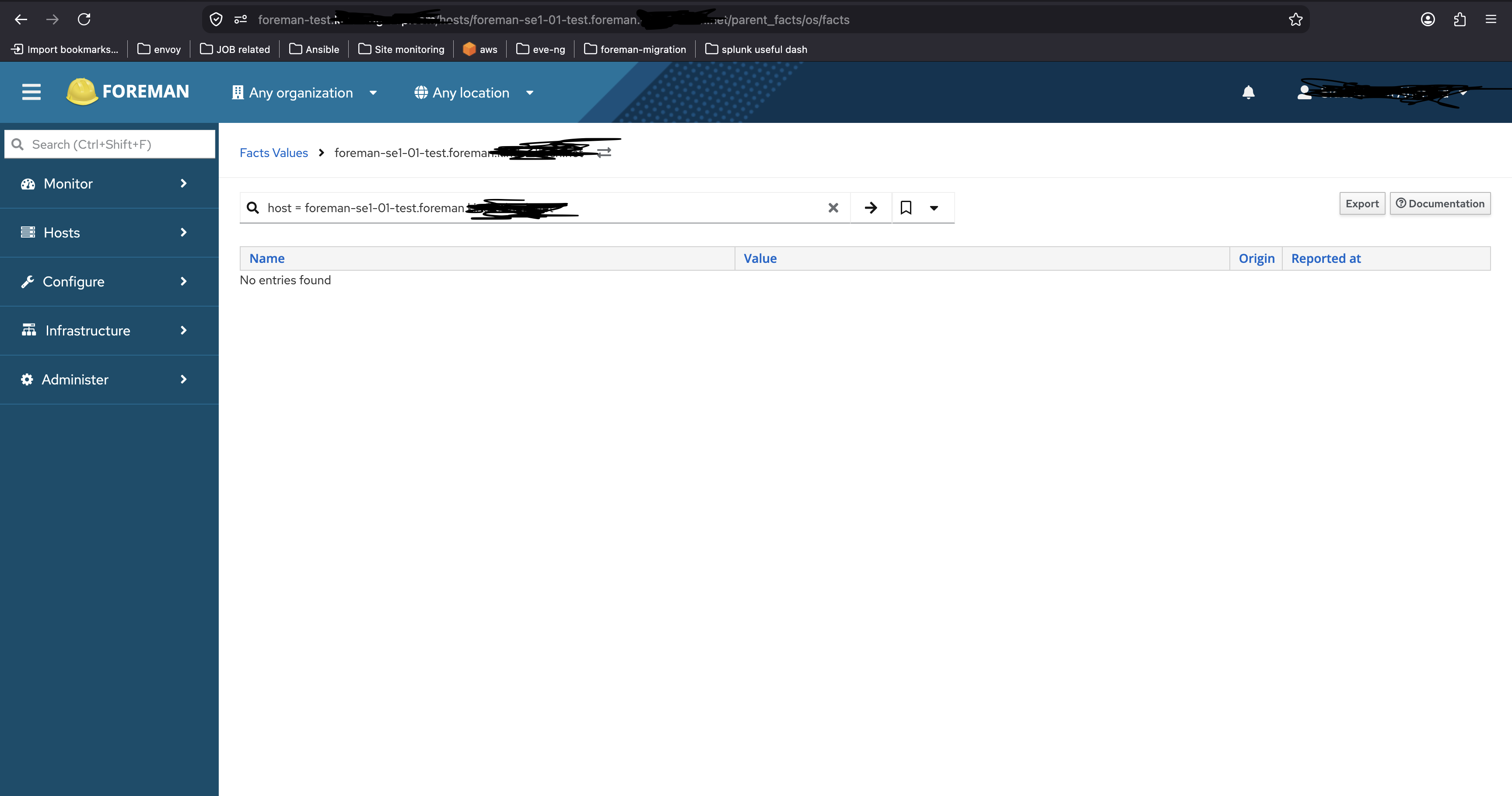
look at structured facts like “os“, I’m unable to view child facts from there, I get “no child facts found“
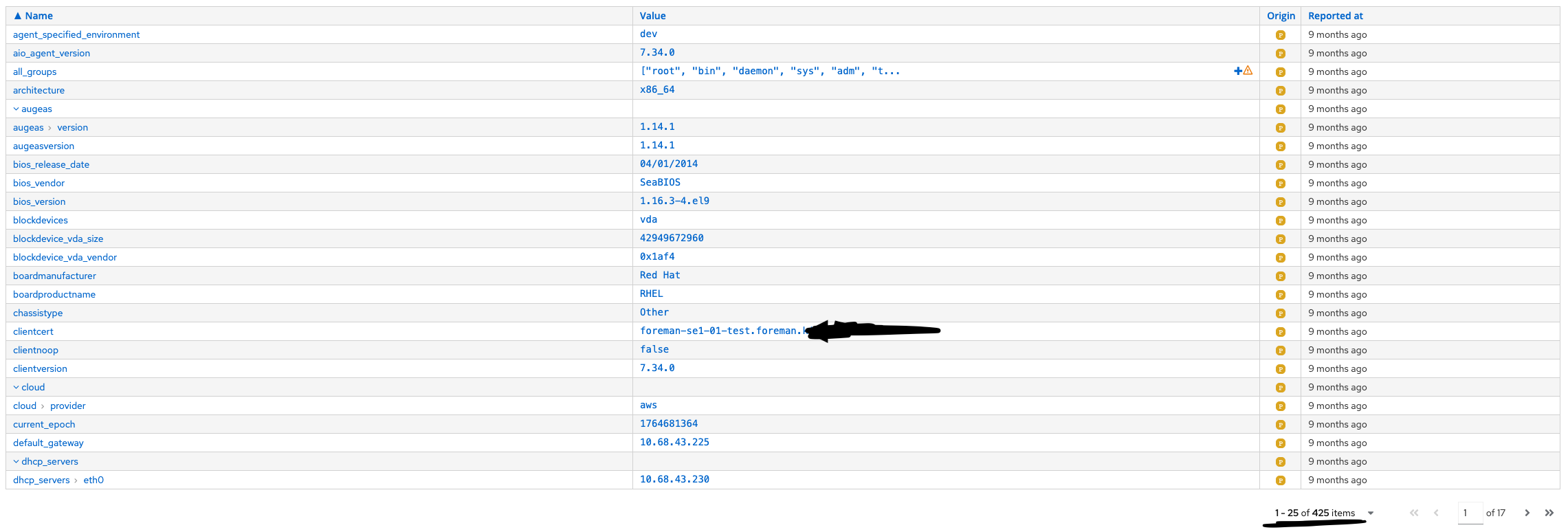
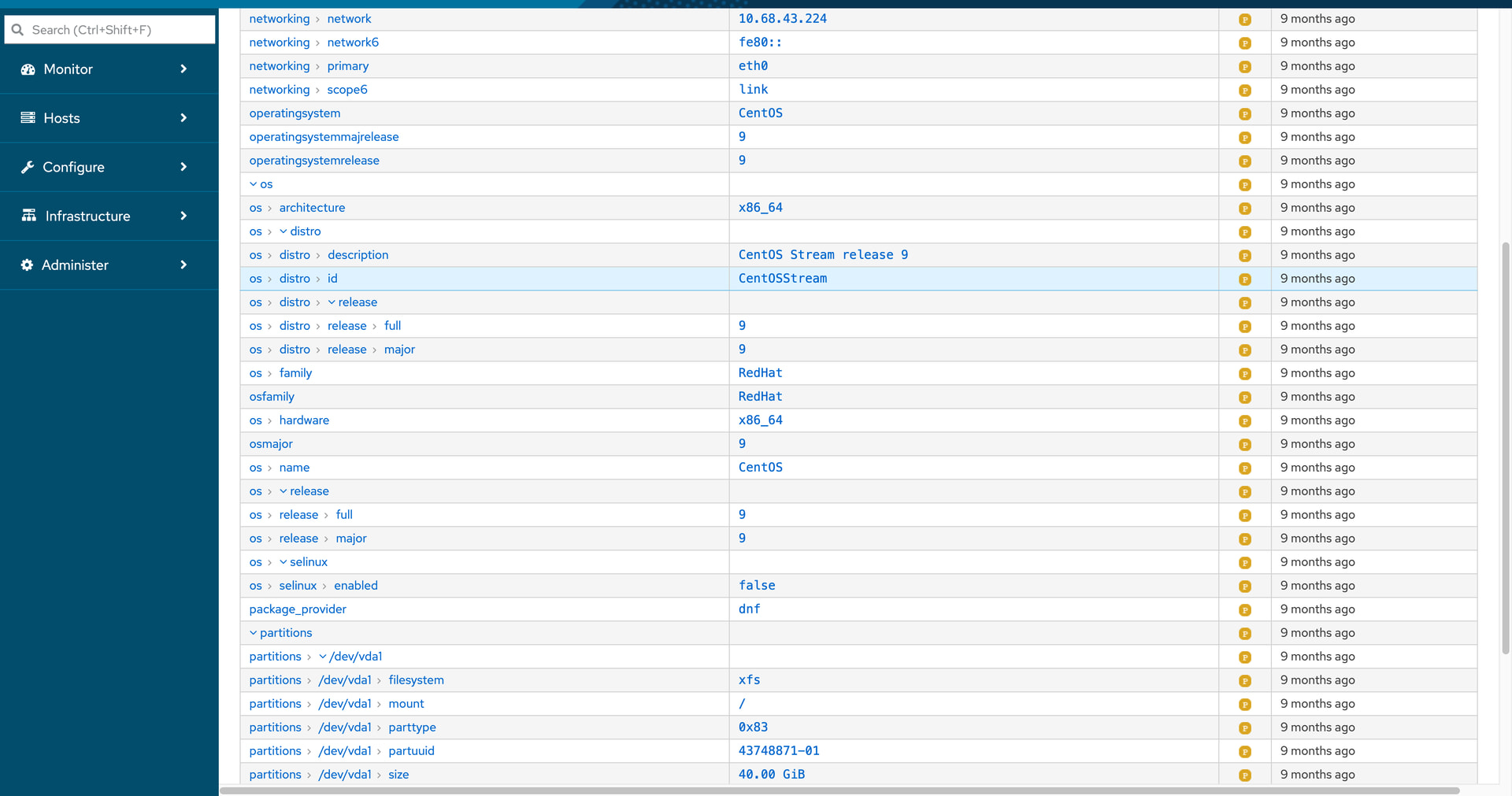
But when I sort the facts via “Name“ on the same page I can then see structured facts laid out and their values.
I don’t understand the difference between your first and second screenshot. It looks like the same page for the same host, only once with an empty list and once with the normal list.
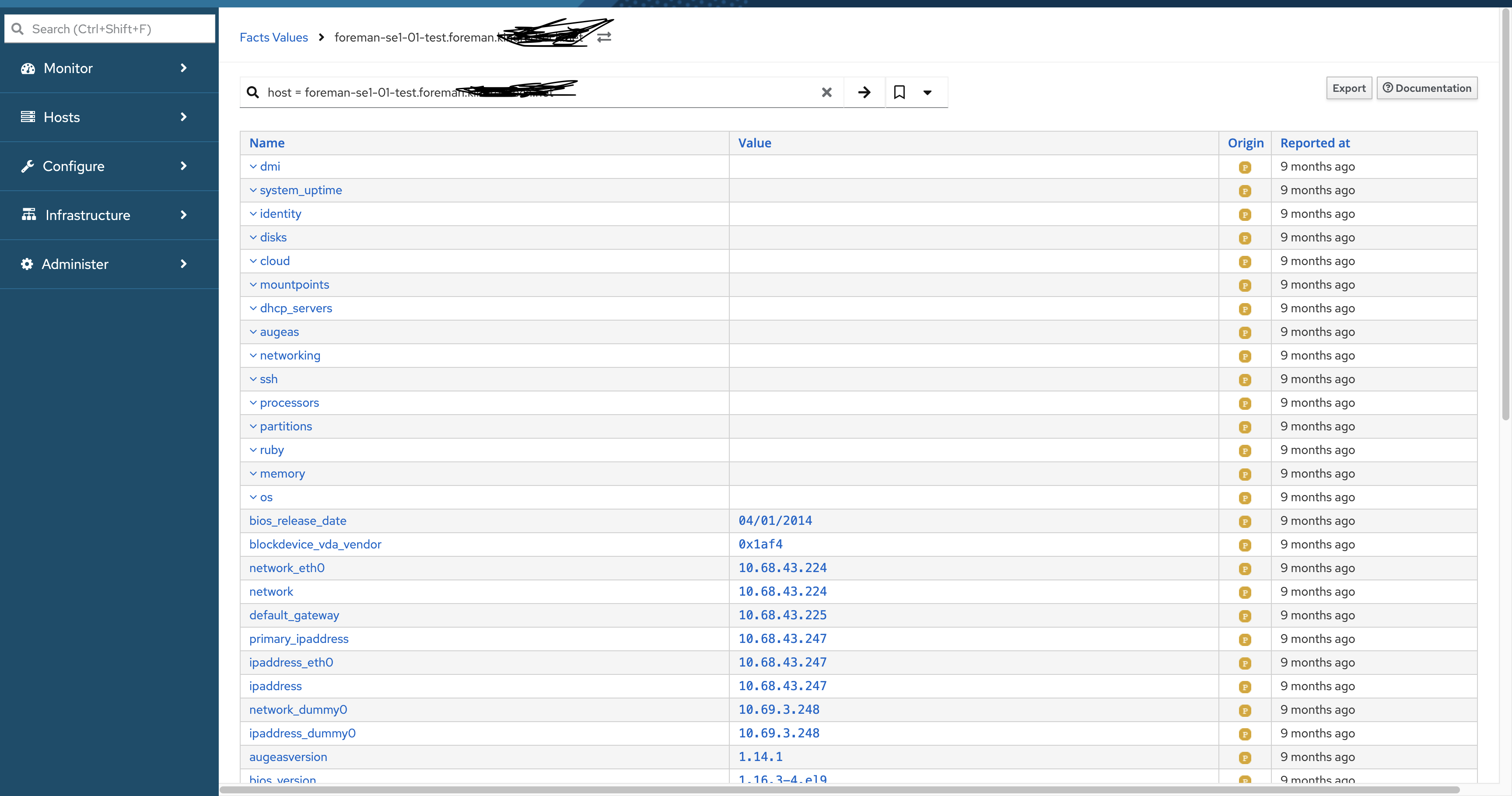
The first screenshot is fully functional. It shows the facts grouped. If you want to open a group you have to select it. That’s the standard sort order.
it ain’t working, The 1st screen shots shows “os“ is a structured fact. Then in 2nd screenshot it shows what I see when I click on “os“ from the 1st screenshot.
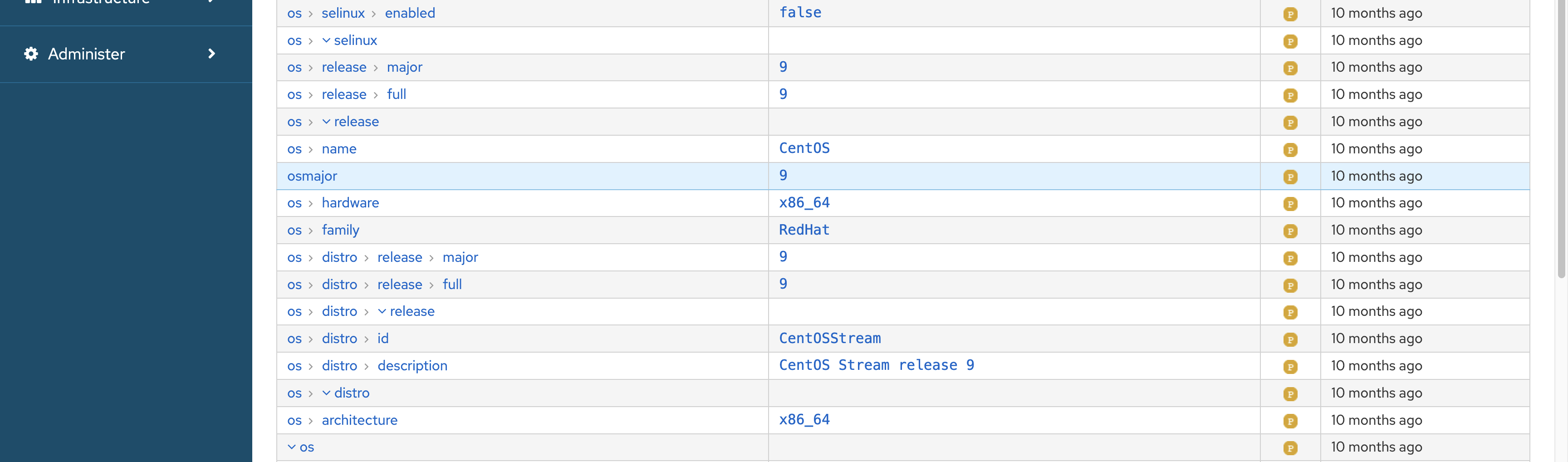
in 3rd screenshot it shows os > {keys} > {more keys}: {values}, which is what we need to see without doing any tricks in this case “clicking on Name“ to sort and then look at facts.
I thought only “os“ was not showing its child facts, so I clicked on “networking“, then I see empty page as well. Both those root facts have child facts. Now to see those child facts in UI, I should be, in the facts page and then I have to click on “Name“ to sort the facts and then I see these details:
look at facts count at bottom, (maybe now its shows all child facts as well so count increased? cool) but when I click on “os“ or “networking“ on facts page without sorting, shouldn’t a user see child facts for those ? instead of empty page?
This is just a UI issue, when I do a api call, I see all facts, so this is rather a UI render problem

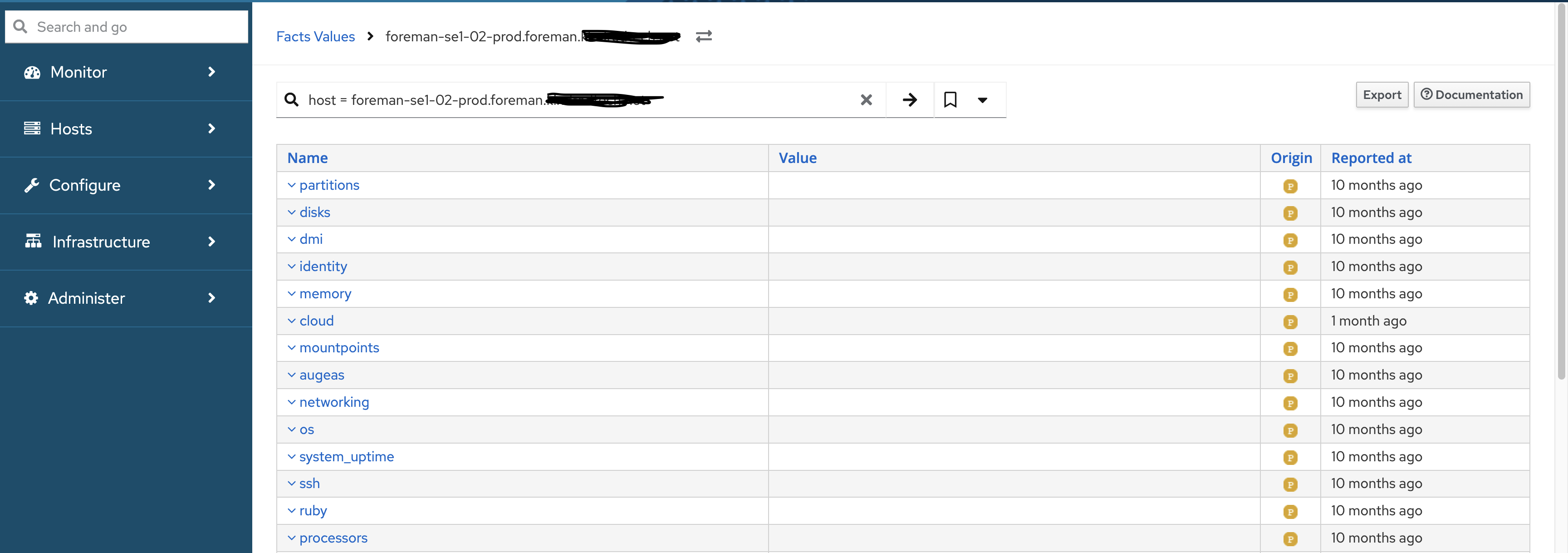

 in this case “clicking on Name“ to sort and then look at facts.