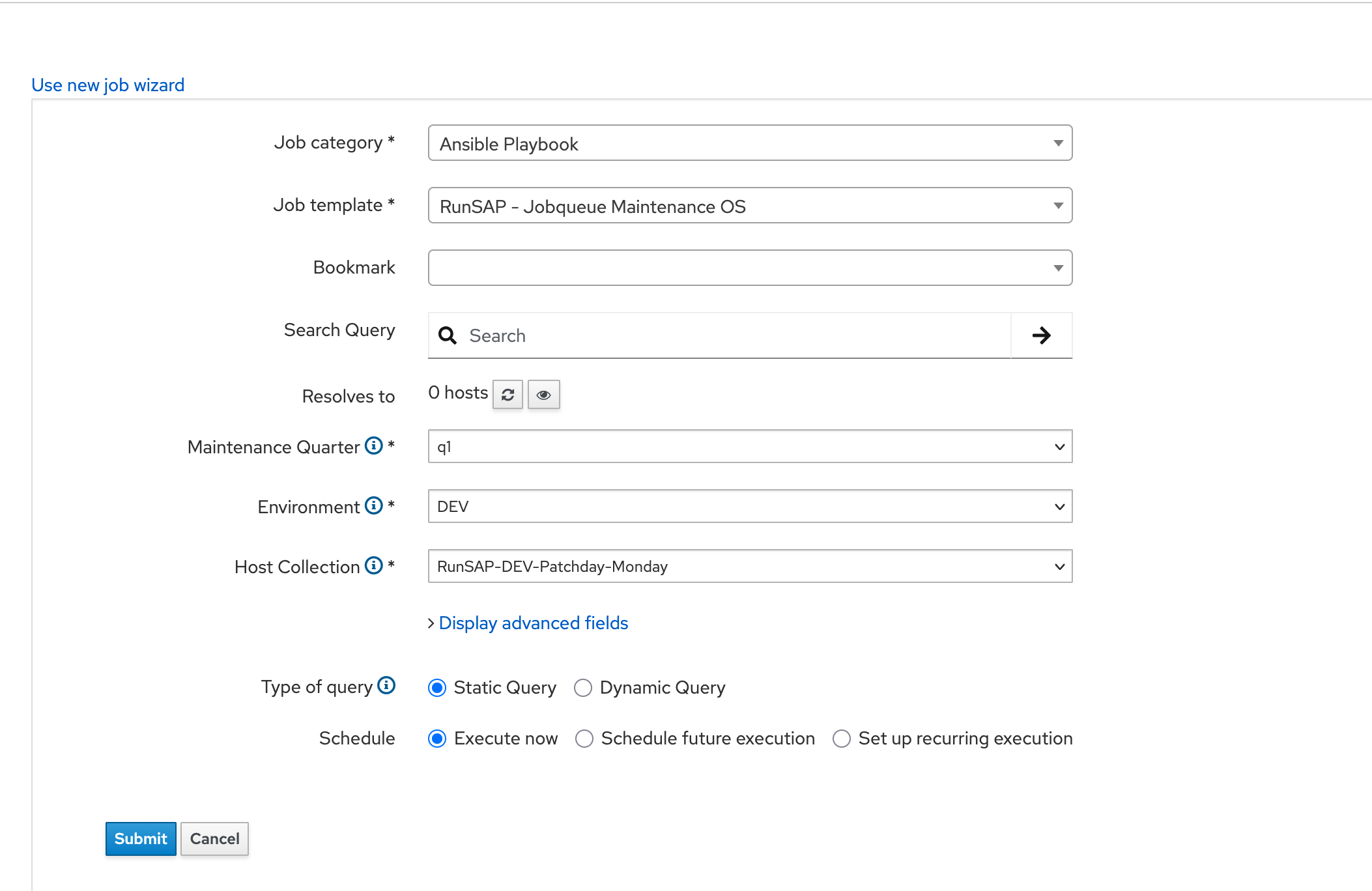
Problem:
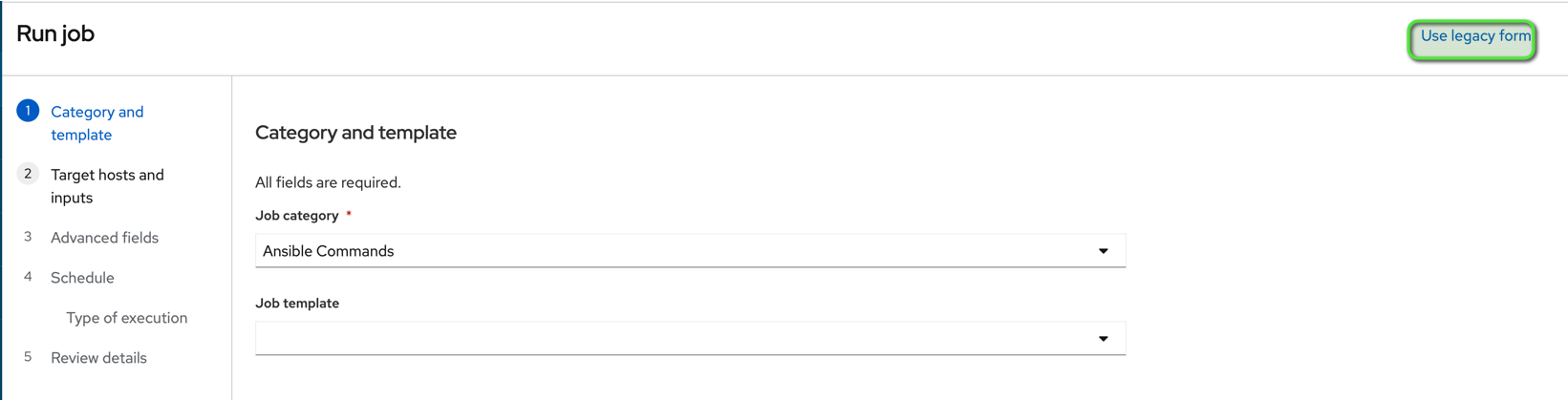
When I try to run a Job Template the first screen “Category and Template” does not show the selected Job Template. Instead, the job category “Ansible Commands” is displayed. In Settings, the “Form Job Template” parameter is set to “Ansible - Run playbook.” If I switch to the old view using “Use Legacy Form”, the job is displayed correctly.
This behavior has only occurred since the update from 3.16.1 to 3.18.0, with an intermediate step to 3.17.
Expected outcome:
The Job Template input form should be displayed correctly.
Foreman and Proxy versions:
Foreman 3.18.0 (Proxy runs on Foreman host)
Foreman and Proxy plugin versions:
Katello 4.20
Distribution and version:
Rocky Linux 9.7
Other relevant data:
Example with screen shots:
Try to run Job RunSAP - Jobqueue Maintenance OS

As you see the Job is not present, switch to legacy form instead
The old form shows the Job correctly: