Hey Foreman community!  it’s been a while
Over the last couple of weeks, I had some free time, and wanted to experiment more what AI tools can help us do, so…I’ve been working on a modern web interface for Foreman that demonstrates what’s possible with today’s web technologies. Since I have a day job and won’t be able to maintain it long-term, I wanted to share it with the community in case anyone finds it useful or wants to build upon it.
 Built with AI Assistance
This project showcases how AI-powered development can accelerate complex integrations. Most of the heavy lifting - authentication flows, API patterns, plugin architecture -
was built collaboratively with AI tools. This approach could make it much easier for community members to contribute, even without deep React expertise.
 What’s in the Box
Two Distinct User Experiences:
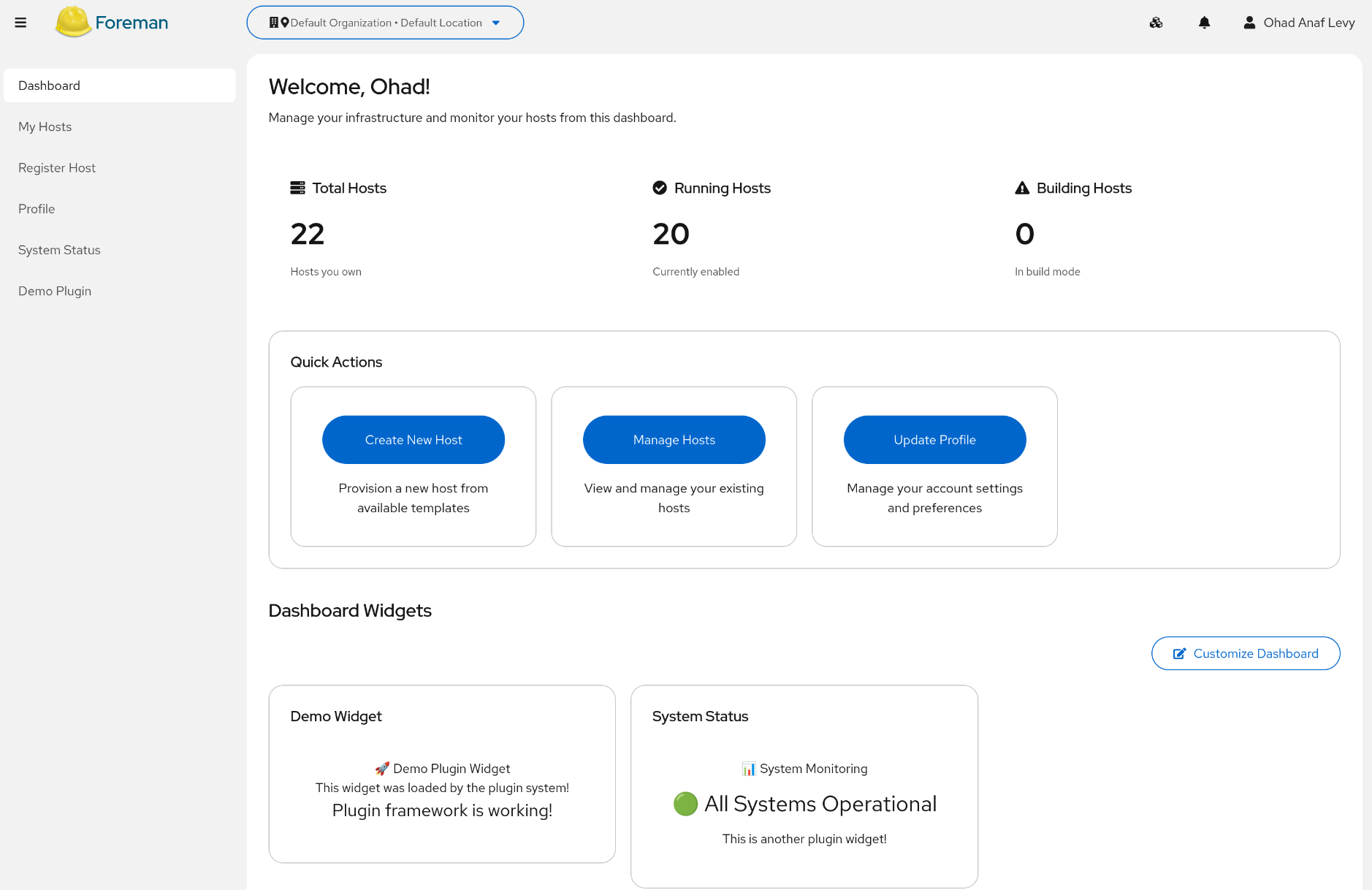
 User Portal: Self-service interface for end users (provision hosts, manage personal resources)
 Admin Portal: Full-featured administration interface (planned - foundation ready)
This separation lets organizations provide a simplified, cloud-like experience for regular users while keeping full administrative power available to admins.
 Features That Work Today
Authentication & Security
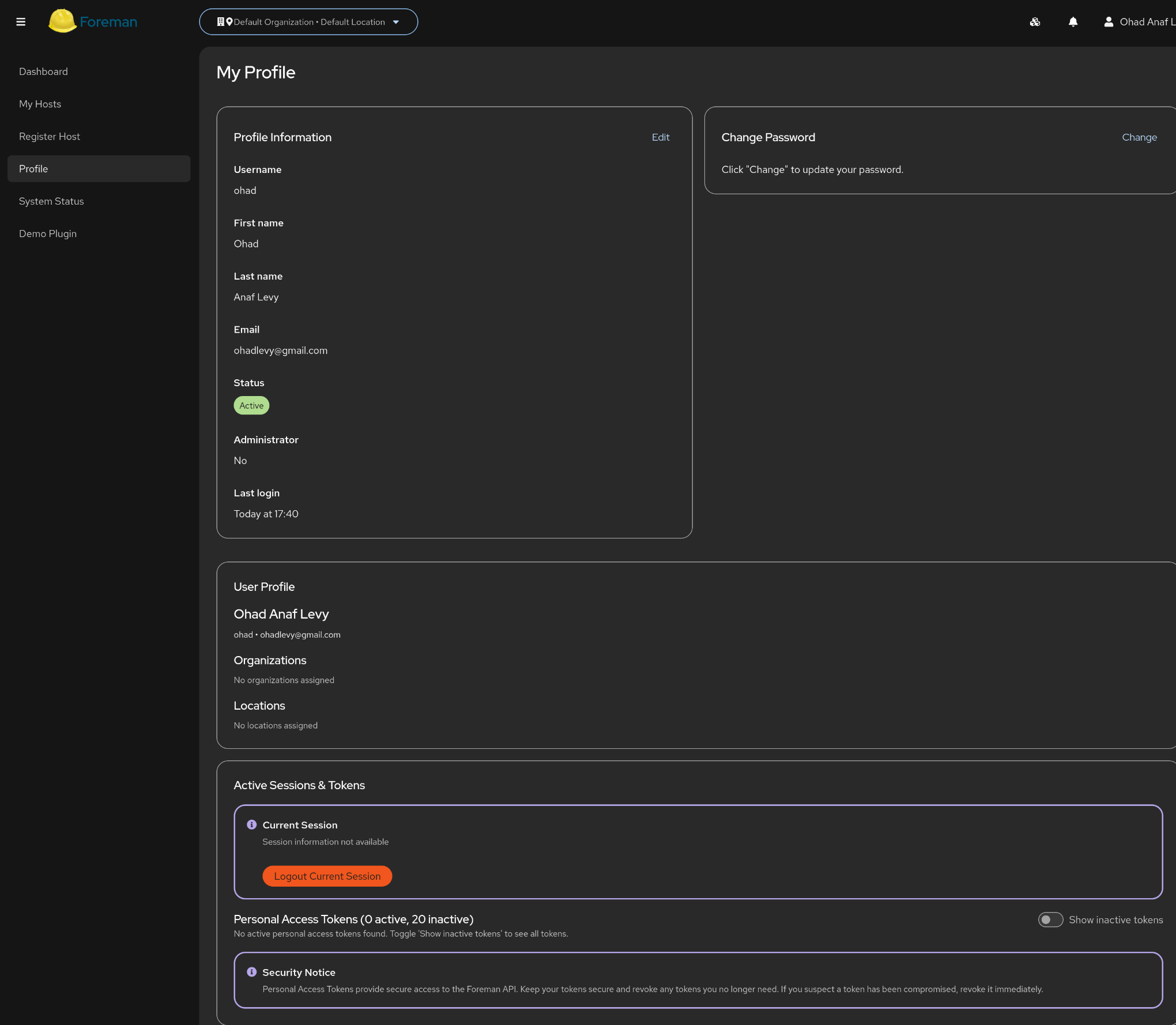
- Personal Access Token support - Secure token-based authentication
- Proper permission checking throughout the interface
- Multi-user support with role-based access
Host & Infrastructure Management
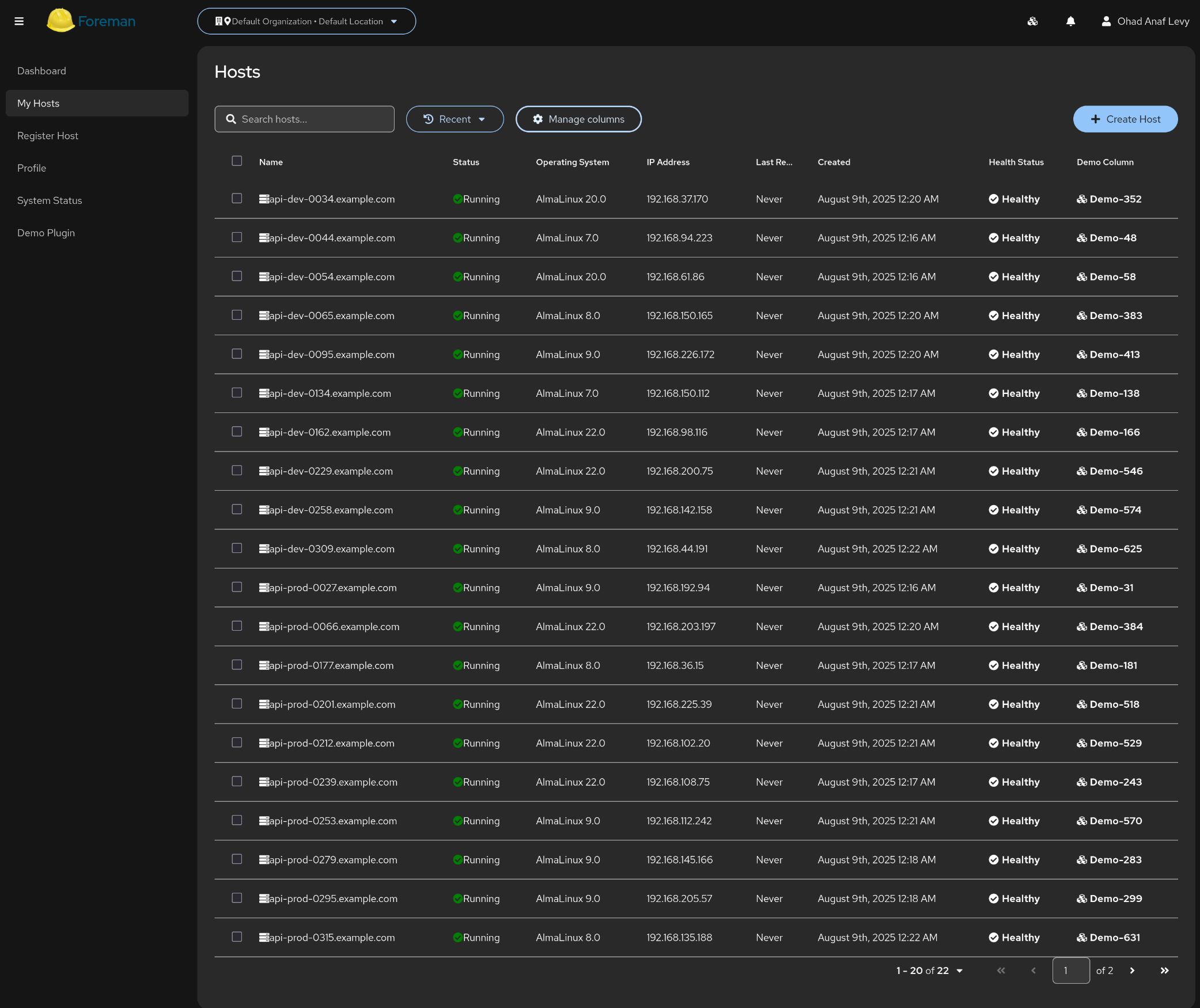
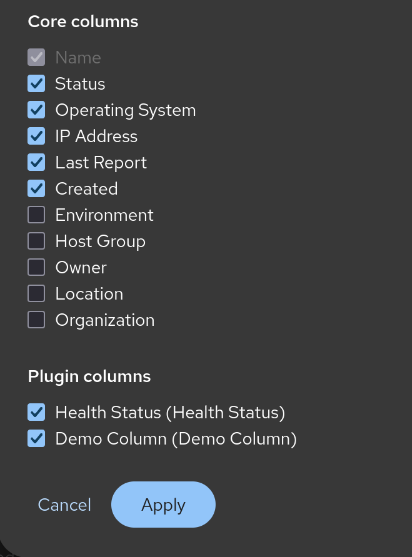
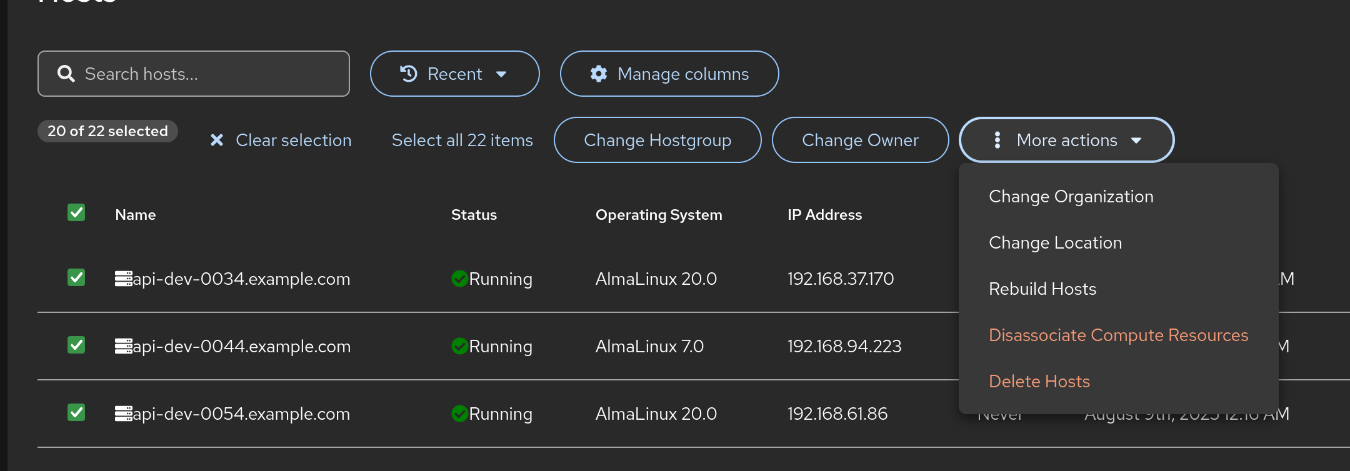
- Host listing with advanced filtering and search
- Bulk operations on multiple hosts
- Host details with comprehensive system information
- Mobile-friendly responsive design
Navigation & Usability
- Fast, intuitive navigation between features
- Breadcrumb trails and clear page structure
- Real-time notifications and status updates
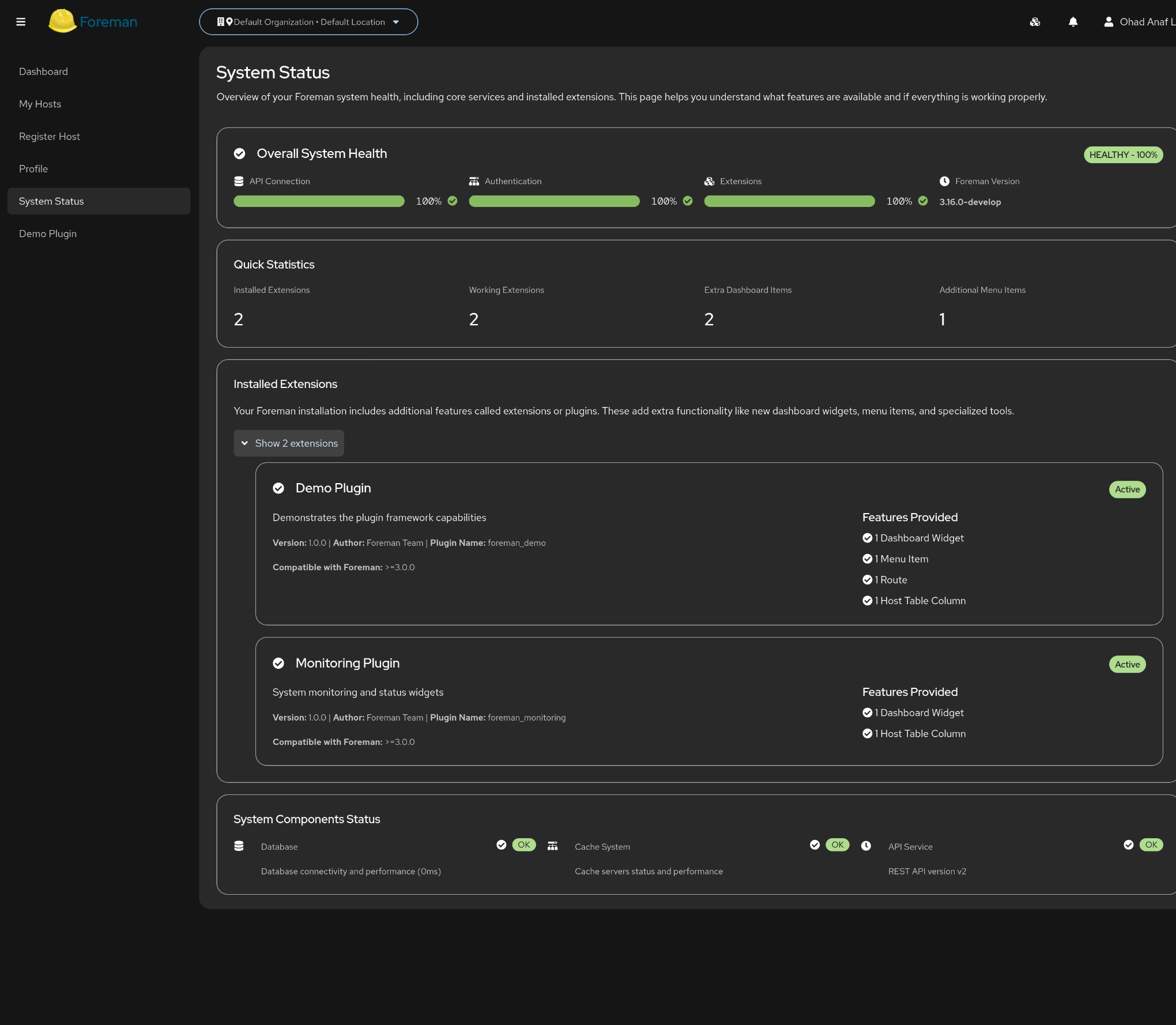
- System health monitoring dashboard
API Integration
- Full Foreman API v2 support with type safety
- GraphQL endpoint support (where available, used by default and fall back to rest)
- Automatic API documentation integration
- Optimized for performance with smart caching
Taxonomy Support
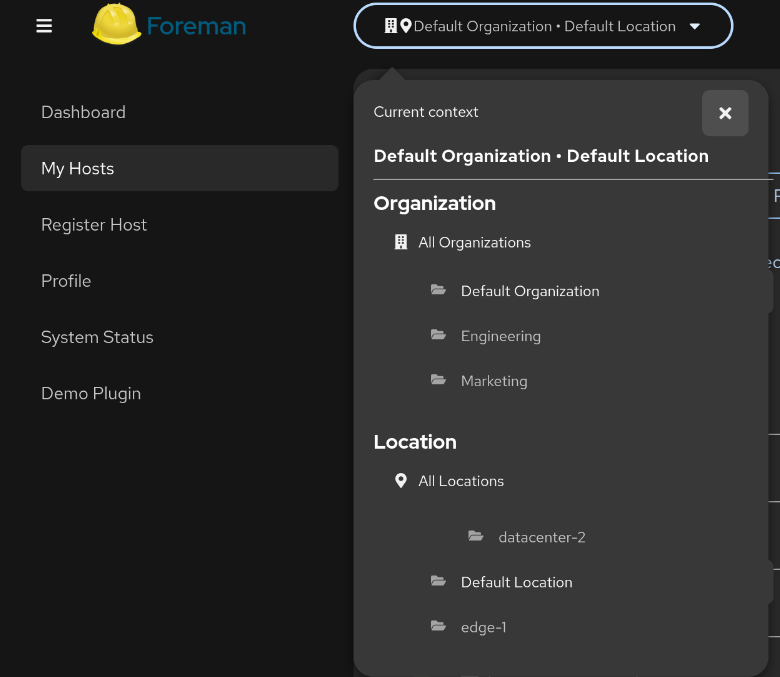
- Organization and location switching
- Scoped views based on user permissions
- Inheritance and nested taxonomy handling
 Plugin Architecture & Extensibility
Built-in Plugin Framework:
- Extension Points: Predefined places where plugins can add functionality
- Menu Integration: Plugins can add their own navigation items
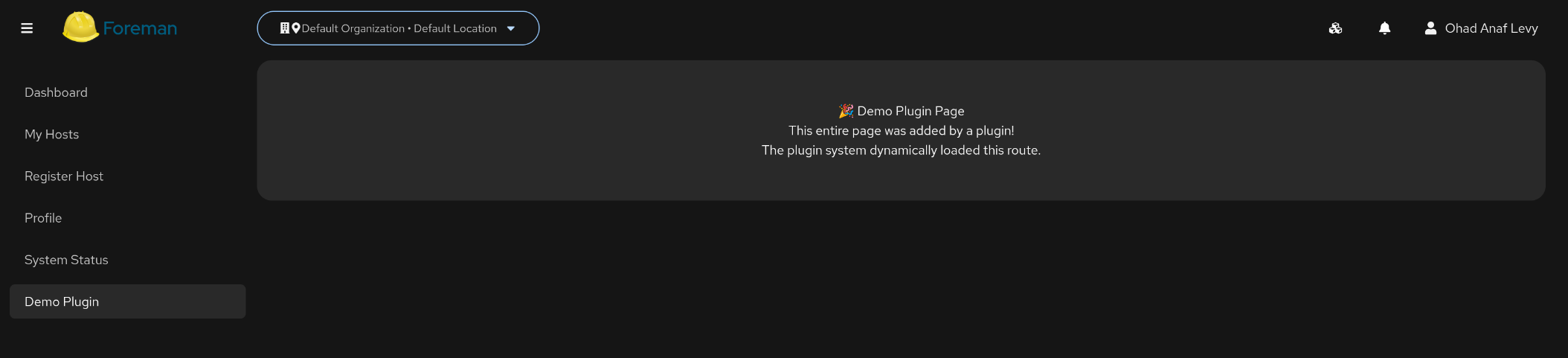
- Page Extensions: Add tabs, widgets, or entire pages
- Bulk Actions: Plugins can register custom bulk operations
- Dashboard Widgets: Extensible dashboard with plugin-contributed widgets
 User Portal Features
Self-Service Experience:
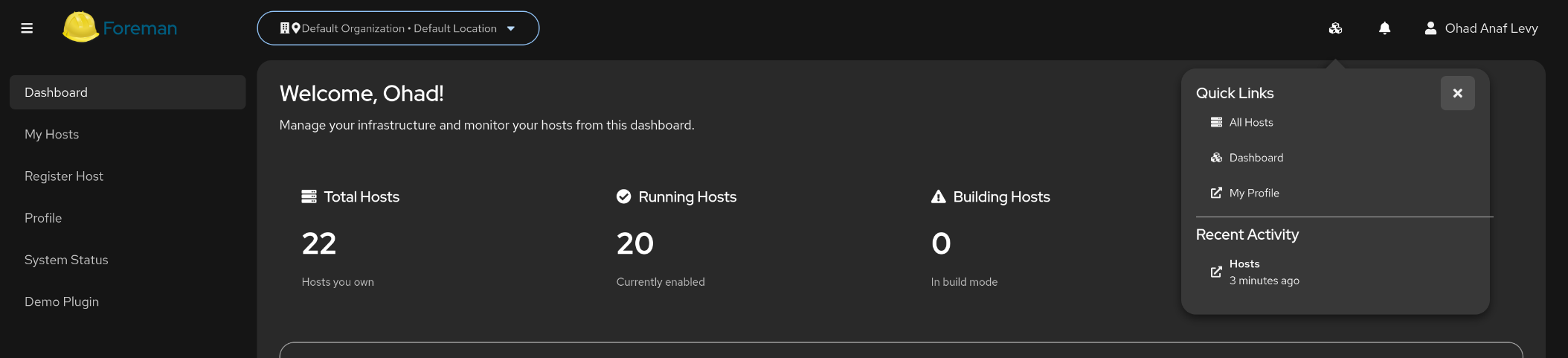
- My Hosts: Personal host management without admin overhead
- Quick Actions: Common tasks like power management, basic config
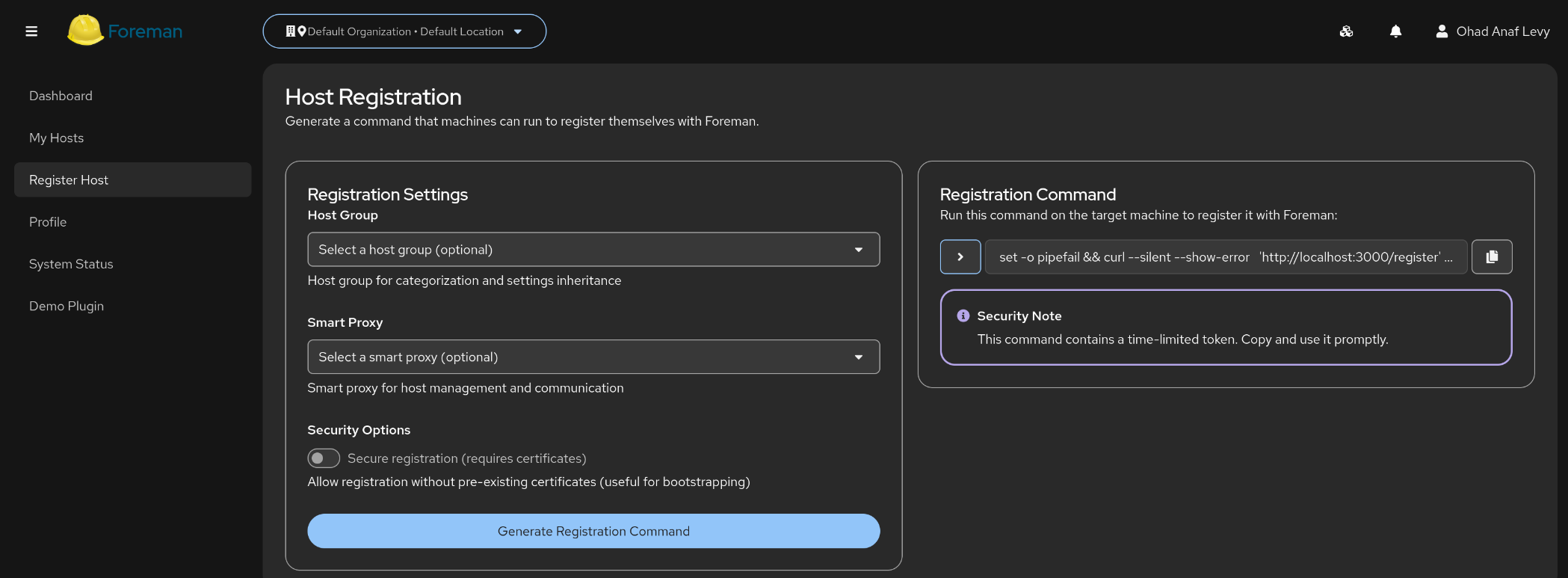
- Resource Requests: Streamlined host provisioning workflows
- Personal Dashboard: Status overview of user’s infrastructure
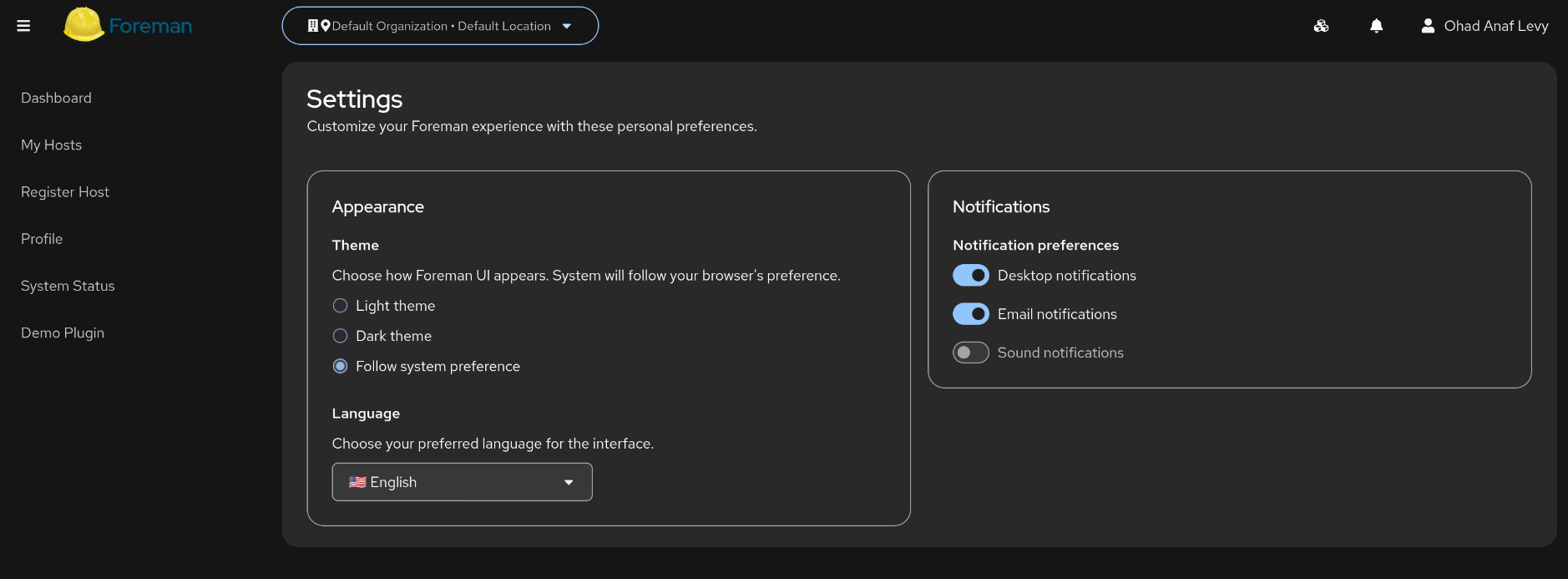
- Profile Management: User settings and preferences
Mobile-First Design:
- Works seamlessly on phones and tablets
- Touch-friendly interface elements
- Offline-capable for basic viewing
- Fast loading even on slow connections
 Technical Foundation (For Developers)
What’s Already Solved:
- Foreman authentication integration
- API client generation from Foreman’s API specs
- Permission checking and role-based UI
- Plugin loading and extension mechanisms
- Build tooling and deployment automation
- Container deployment ready
Modern Stack:
- React with TypeScript for reliability
- PatternFly v6 for consistent Red Hat design
- Automated testing and code quality tools
- Container deployment with docker-compose
- Development automation scripts
Try It Out
podman run --replace --name foreman-ui \
-p 8080:80 \
-p 8443:443 \
-e FOREMAN_URL=https://your-foreman.example.com/ \
ghcr.io/ohadlevy/foreman-ui:latest
What You Get:
- User portal running at https://localhost:8443
- Connected to your existing Foreman instance
- Ready for customization and extension
 Potential Uses
For Users:
- Modern, mobile-friendly interface
- Self-service capabilities reducing admin burden
- Familiar cloud-like experience
For Plugin Developers:
- Clean extension points for adding functionality
- Modern development tools and patterns
- Type-safe API integration
- Component library for consistent UI
- AI assistance examples for faster development
For Organizations:
- Separate user/admin experiences
- Better onboarding for new Foreman users
- Mobile workforce support
- Foundation for custom workflows
 Community Offering
This is simply available if anyone wants it. The hard integration pieces are done - authentication, API patterns, plugin architecture, and mobile responsiveness. If someone
in the community finds this useful as a starting point, great! If not, no worries at all.
The AI-assisted development approach made it possible to tackle complex integrations quickly, and maybe that workflow could help others contribute to Foreman projects more
easily.
What’s here:
- Working foundation that could be built upon
- Proven patterns for modern Foreman UI development
- Complete examples of plugin integration
- Mobile-first approach that works today
- AI development workflows that might accelerate future contributions
 Links
Links
Repository: GitHub - ohadlevy/foreman-ui: Modern React-based user interface for Foreman infrastructure management Comprehensive setup and development guides included
Take it or leave it! Just wanted to share in case it’s useful to anyone. If there’s interest, happy to discuss. If not, it’ll just sit there quietly. 
Built with modern tools and AI assistance - hopefully showing what’s possible for Foreman’s future!